Hearts Standard
Publisher Description
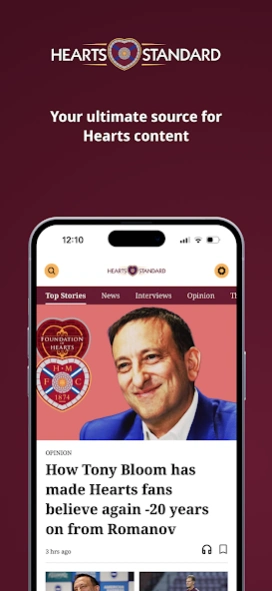
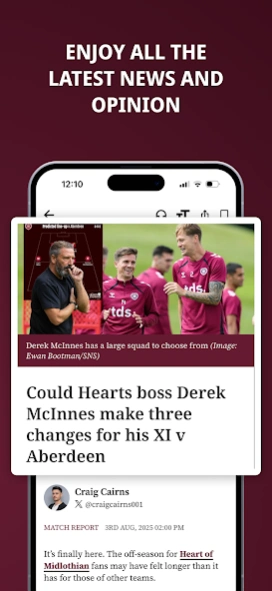


All the latest news, analysis and opinion from the Hearts Standard team.
Go beyond the headlines of Heart of Midlothian FC with Hearts Standard!
Get the latest breaking news, regular club updates and exclusive interviews in one great app. Hearts Standard is the best way to keep up to date with everything that’s going on at Tynecastle Park. From line ups and match reports to detailed analysis, we bring you everything you need to follow Hearts throughout the season.
The Hearts Standard app brings you the following great features…
• Add to your matchday with breaking team news, match reports and all the key talking points
• Watch exclusive videos including press conferences, interviews and analysis
• Interviews with key players and the management team give you direct insight
• Article Audio Player: Listen to articles and create content playlists
• Ad-Free reading: Enjoy all our great content, with no distracting Ads
Privacy Policy - https://www.newsquest.co.uk/our-policies/privacy-policy/
Terms of Use - https://www.newsquest.co.uk/legal/terms-conditions/
About Hearts Standard
The company that develops Hearts Standard is Newsquest Media Group Ltd. The latest version released by its developer is 1.0 .
To install Hearts Standard on your Android device, just click the green Continue To App button above to start the installation process. The app is listed on our website since 2026-08-13 and was downloaded 2 times. We have already checked if the download link is safe, however for your own protection we recommend that you scan the downloaded app with your antivirus. Your antivirus may detect the Hearts Standard as malware as malware if the download link to uk.co.newsquest.heartsstandard is broken.
How to install Hearts Standard on your Android device:
- Click on the Continue To App button on our website. This will redirect you to Google Play.
- Once the Hearts Standard is shown in the Google Play listing of your Android device, you can start its download and installation. Tap on the Install button located below the search bar and to the right of the app icon.
- A pop-up window with the permissions required by Hearts Standard will be shown. Click on Accept to continue the process.
- Hearts Standard will be downloaded onto your device, displaying a progress. Once the download completes, the installation will start and you'll get a notification after the installation is finished.
Program Details
System requirements
Download information
Pricing
Version History
version
posted on 2026-08-13
Introducing My Content – your personalised space for reading:
• Your News Feed: See more of what matters to you
• Reading History: Track what you’ve read over the past month and when
• Saved articles: Quickly find content you’ve saved for later
version
posted on 2026-03-12
Framework fixes and improvements
version
posted on 2025-12-16
• Podcasts are now available in the app
• Improvements to the article reading experience
version 1.2.2
posted on 2025-08-28
• New App Framework - Built to deliver faster loading content and an improved reading experience
• New Video Timeline - Access all our engaging videos in one place
• New Audio Player - Listen to articles and create content playlists
version 1.1.0
posted on 2025-04-03
App Framework Improvements
version 1.0.0
posted on 2024-02-13
All the latest news, analysis and opinion from the Hearts Standard team.
